Places and people
Could an AI venue tour send visitors to a door that does not exist?
World Labs has opened Atlas to the public. A photo you set aside can help you check the route it draws.
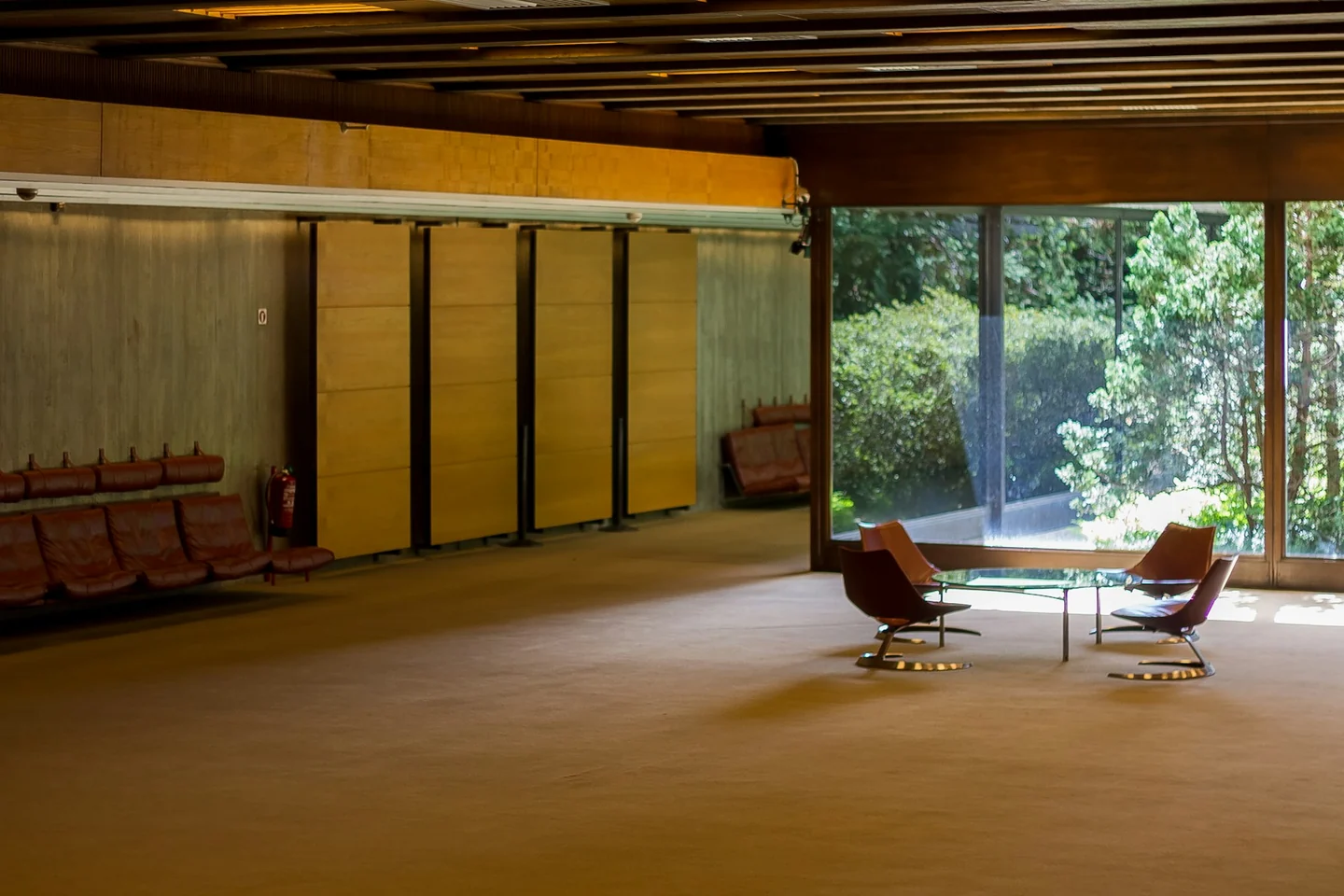
World Labs opened public access to Atlas on 12 November. Its Viewfinder app uses photos to build a three-dimensional scene you can move through in a browser. An event organiser could use a tour to show first-time visitors the way to a registration desk. A convincing view of the corridor might also show a door the camera never saw.
What happens outside the frame
Atlas estimates how far surfaces are from the camera. That helps it show the room from another angle. The World Labs report shows what happens when photos leave gaps. In a company example, Atlas made up much of the view above a garden from one ground-level photo. Adding a photo of the cottage brought the real cottage into view. The model still filled in the house until World Labs supplied a photo of it.
Creator Hugues Bruyère described a different use in his Vitre hallway experiment. He started from a 3D capture of a real hallway and used Atlas through Ailleurs, a tool he built, to make an alternate version. He then brought the result into Vitre to line it up with the real space. That was a creative prototype. The creator’s account gives no basis for using the method to measure the width of a doorway.
Keep one photo for the check
Practice example. A community hall in Kingston has a blue entrance door, a step just inside and a registration table to the left. With the venue’s permission, take three overlapping phone photos of the empty hall: from outside the entrance, from just inside and from beside the table. Remove names, faces and private signs from the frames before you upload those photos. Take a fourth photo from the far wall and keep it out of Viewfinder. Create a short route from the door to the table. Ask someone who was there to compare the view from the far wall with the fourth photo. The fourth photo checks that angle only. Walk from the entrance to the table and compare the full route with the tour, including the step.
Share only the part of the tour you checked. If it moves a door or hides the step, use the original photos and directions. Measure distances on site and ask the venue to confirm step-free access before you give visitors those details. Viewfinder requires sign-in. Check access in your country. Before sharing a tour, check the Atlas terms for your tier. World Labs limits output made on its low tiers to personal, non-commercial use.
Decide which mistakes to fix first
Before a venue team sends photos to an outside service, open the AI Risk Matrix and select Build My Matrix. The tool asks you to rate how likely each of seven risks is and how much damage it could do, on scales from 1 to 5. Try the hall example: enter 4 for likelihood and 4 for impact under Misinformation, 2 and 3 under Privacy & Security, and 2 and 2 under Human-Computer Interaction. Use 1 for both ratings in the other categories. Select View Results Without Sharing Contact Details. Misinformation gets the highest rating at 16 out of 25. Privacy & Security scores 6. The scores multiply your chosen ratings. They do not measure how often Atlas will invent a door or hide a step. Assign the venue manager to check which photos the team can upload. The manager can withhold any photo that shows private parts of the premises.
Sources and further reading
- World Labs Atlas release and Viewfinder
- World Labs on what Atlas reconstructs from photos
- Hugues Bruyère’s Vitre hallway experiment
- Atlas account and output rights
- AI Boss Tools Risk Matrix
Sources checked 13 November 2026.