Creative work
A brighter product photo can mislead a shopper
Photoshop now lets editors add light after a shoot. A comparison with the original can catch changes that make a garment look like something else.
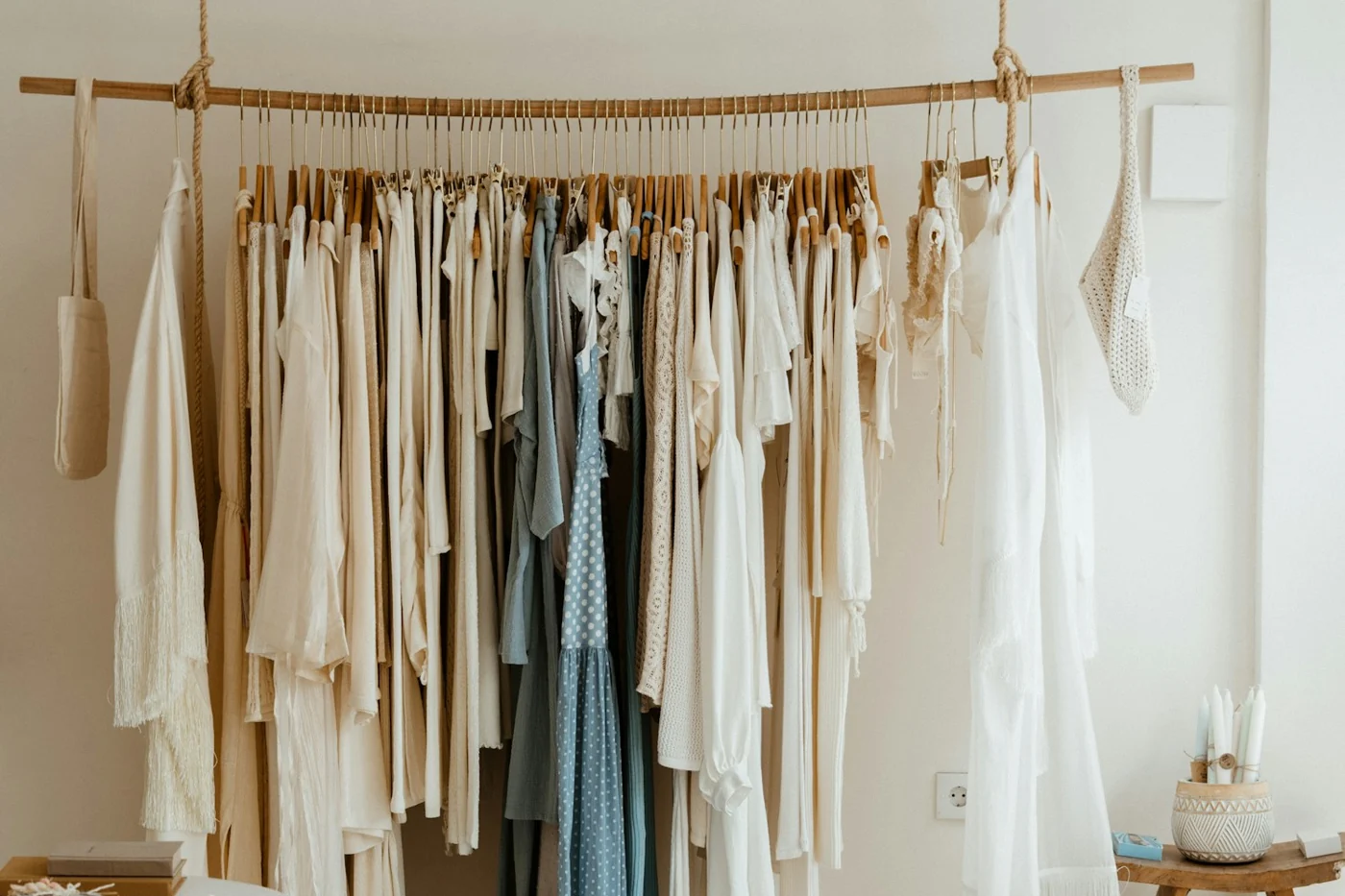
Adobe moved Relight into the main desktop release of Photoshop on 10 November. It uses generative AI to add adjustable lighting after a picture is taken. Version 28.0 also includes Quick Compare, which shows the edit alongside the starting image. Catalogue shoppers may use that image to judge a colour or fabric they cannot examine before buying.
Adobe’s Relight guide says Relight needs an internet connection. Selecting Done to apply the lighting costs 30 generative credits, the units Adobe uses to count some AI operations. Photoshop saves the lighting effect on its own layer, so you can turn it off or remove it. Check your desktop version, licence and available credits before trying it. You still need to compare the edited image with the garment. The release announcement gives no measure of how closely the image will match it.
Check the garment against the photograph
For a practice run, use an approved photograph of a navy shirt with four visible white buttons and a stitched chest pocket. If you need a substitute, take a reference shot of any garment and write down its colour, fastenings and pocket details before editing. Duplicate the file. In Relight, add a soft neutral light and adjust it until the stitching is easier to see. Use Quick Compare, then open the proposed export at the size a shopper will see on a phone. Ask a colleague who has the garment to check its colour, button count and pocket shape against the image. Keep the original if the edited version makes any detail look different.
Give someone authority to hold the image
The AI Governance Checklist helps a shop manager see which rules and controls need attention before the team publishes images. Use your policy, owner’s written responsibilities and approved-tool list to answer the questions. In a fictional test, we selected a draft policy, a named owner with a written mandate, a partial tool list and oversight defined for the highest-stakes decisions. We chose the lowest response for the remaining items and opened the results without providing contact details.
The checklist reported a total of 17 out of 100, with 4 out of 9 for foundations and 2 out of 9 for controls. Those scores come from the answers entered. Use the gaps to choose an action: name the reviewer who can hold a product image, and keep their decision with the original and edited files.
Sources and further reading
- Adobe MAX Creative Cloud announcement
- Photoshop desktop November release notes
- Adobe instructions for Relight
- Adobe instructions for Quick Compare
- AI Governance Checklist
Sources checked 12 November 2026. Edited and reviewed by AI Boss.