Creative work
Suno can add a guitar to your track. What do you have to upload?
The Ableton companion sends the chosen project and its audio files to Suno. Start with a test session you have permission to share.
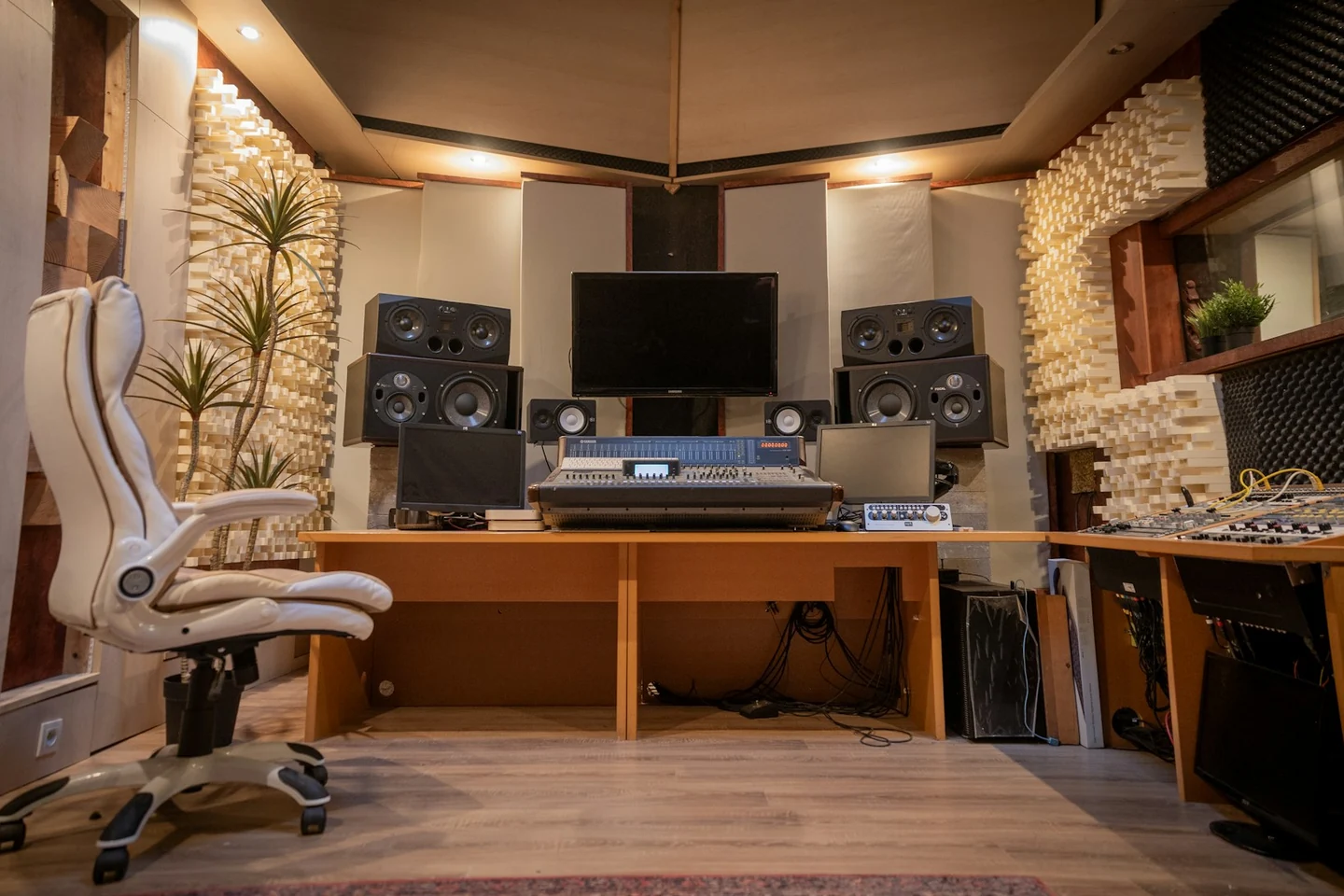
Suno released Bridge on 13 November. The beta runs beside Ableton Live, a program for recording and arranging music. Tell Bridge what to play, such as a short guitar part for a chorus, and it places the new recording on the timeline. Suno’s setup page says you need a Mac, Ableton Live 12 or later and a Suno Premier subscription. Each request uses 10 Suno credits.
Suno’s help page says Bridge uploads the Live project you select and its audio files to your Suno account. Selecting four bars tells Bridge where to add sound. It does not limit the upload to those bars. A producer working with an unreleased vocal should start with a separate session that contains only recordings they are authorised to upload.
In Suno’s walkthrough, a producer listens to guitar takes and inserts one into an existing arrangement. The walkthrough is edited and gives no estimate of how often a take needs repair.
Give the guitar one job
Practice example. In a new project, record four bars of your own bass and percussion at 84 beats per minute. Play C, A, F and G in order on the bass, one root note per bar. Open the project in Live and connect Bridge. In Live, select an audio track and set the loop to the four bars. Select Guitar in Bridge and enter “Clean electric guitar, short chords on the offbeat, one chord per bar: C major, A minor, F major, G major. Guitar only.” Turn Auto Insert off, select Generate and listen when the takes are ready. Insert a take only after you hear a usable part.
Play the result in your mix and on its own. Check that each chord changes on time, the clip leaves space for the bass and there are no extra instruments. Compare it with a guitar part you played or programmed yourself. Time the work through the last edit, including upload, waiting, listening and repairs. Choose the faster method only if its guitar part passes those checks.
Before a release, check the rights to the recordings you sent and to the new part. Suno’s terms require permission to grant the service a licence for uploads and require an approved Suno download for commercial use of its output. Check that your proposed use qualifies before delivering a client file. A paid plan gives no guarantee that copyright applies to the resulting recording.
Check what the saved studio time is worth
A producer who is considering Premier for Bridge can put measured studio time into the AI Subscription Value Calculator. Select Other AI service, set the currency, and enter the monthly fee, hours saved after checks and repairs, and a value you choose for one hour. With a practice fee of US$30 and one net hour valued at US$25, the calculator shows a US$5 shortfall and 72 minutes a month to cover the fee. Saving that hour does not put US$25 into the studio’s account. The calculation uses the value you assigned to the time. Use your actual bill and measured time after a month. If you already pay for Premier for other work, judge the full subscription on all the work you use it for.
Sources and further reading
- Suno launches the Bridge beta
- Suno Bridge compatibility and project upload
- Getting started with Suno Bridge
- Suno Bridge launch walkthrough
- Suno Terms of Service
- What rights do I have with a paid subscription?
- Suno subscription pricing
- AI Subscription Value Calculator
Sources checked 14 November 2026.